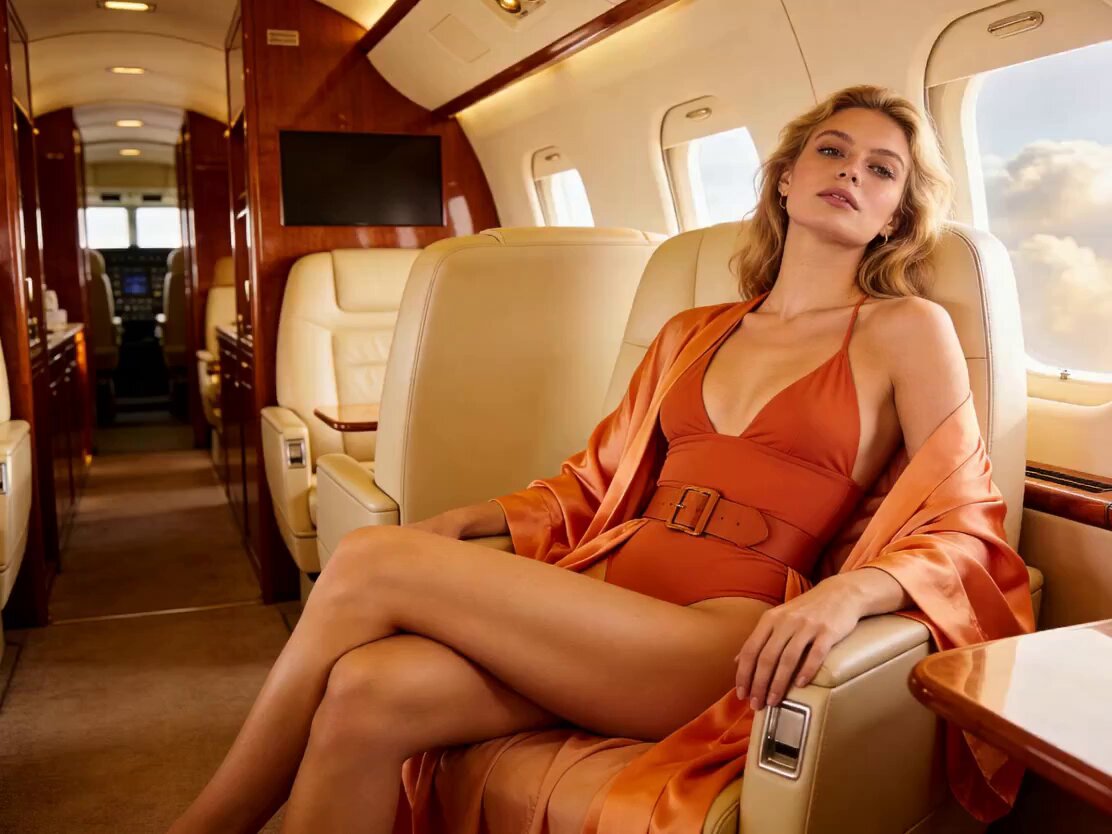
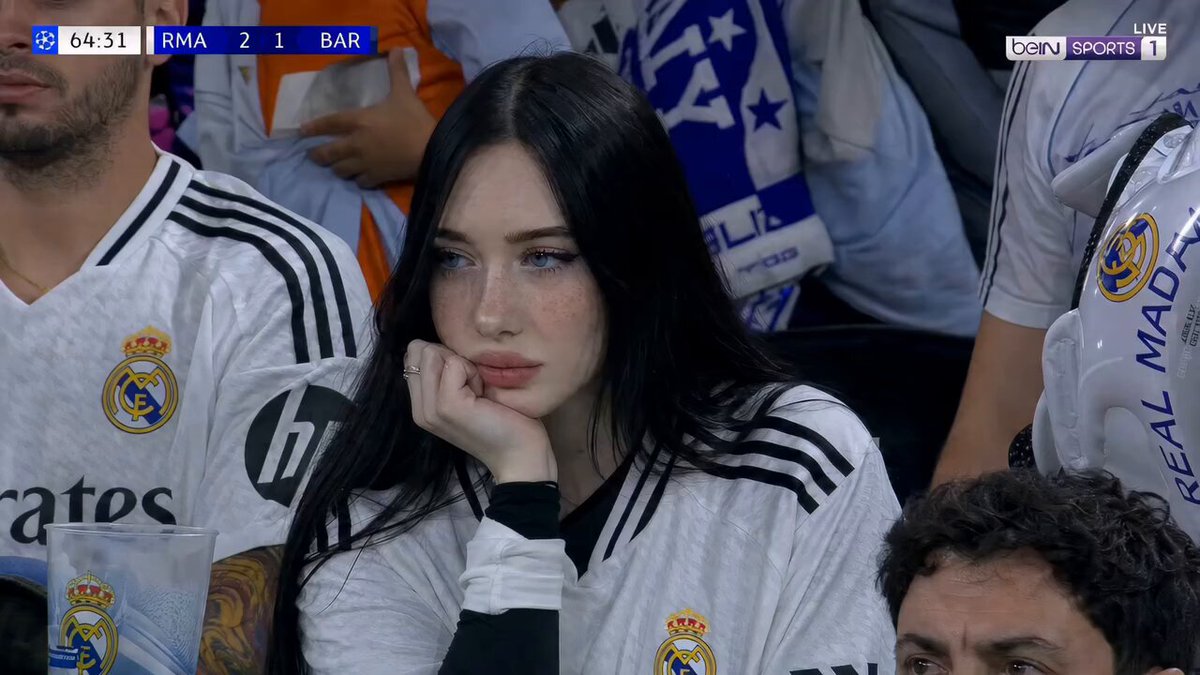
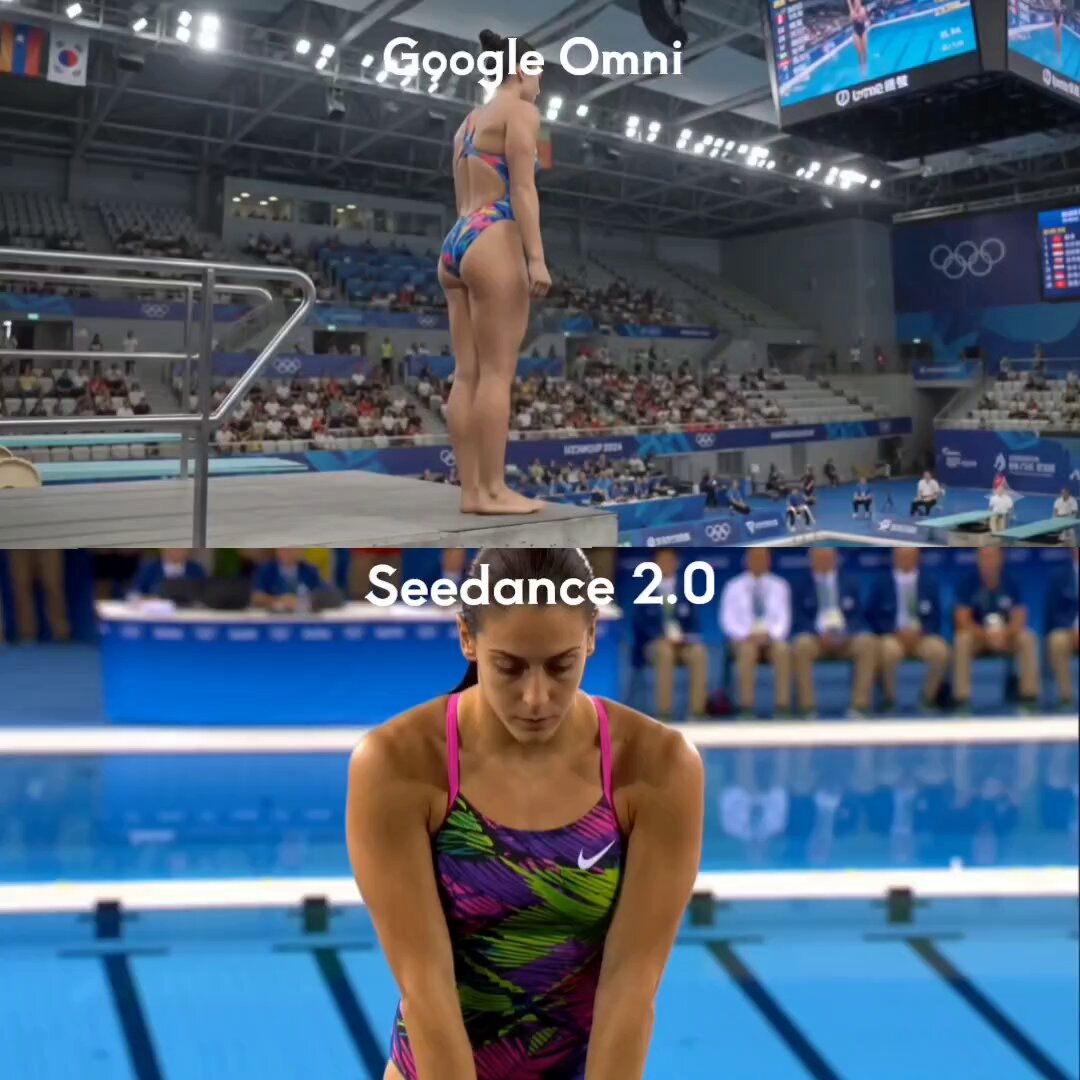
プロンプト/動画プロンプト/プロンプトの詳細動画プロンプト📖CHATGPTの画像をキャラクターに変える方法このプロンプトを使ういいね83表示7,274ブックマーク112次回すぐに見つけられるよう、このプロンプトを保存または共有しましょうプロンプトを共有プロンプトコピー"A person walking." Prompt: "Low-angle tracking shot, 35mm lens, cinematic lighting, shallow depth of field." 4. Build every keyframe before opening Seedance. The more visual references you create in ChatGPT Image 2, the more consistent your animations become. 5. Animate short clips. Instead of creating one long scene: Create: • 5-second shot • 5-second shot • 5-second shot Then stitch them together. This gives you more control over pacing and story flow. 6. Use transition shots. The secret to seamless edits: Generate bridge scenes between major actions. Seedance handles transitions much better when visual continuity already exists. 7. Add sound last. Most people underestimate audio. A simple combination of: • Ambient sounds • Sound effects • Background music Can make an AI video feel 10x more cinematic. The biggest mistake creators make is thinking AI video is prompting. It's not. AI video is production design. ChatGPT Image 2 creates the character universe. Seedance 2.0 turns it into a movie. 📥Tomorrow I will show something so obvious in hindsight that you will wonder why nobody said it sooner. 🔖The pinned article below covers every step — bookmark it for your next session.プロンプトを表示その他のプロンプトSora テスト失敗の例@fofrAI35mmハンドヘルドフィルム美学ビデオプロンプト@techhallaブラッド・ピットとトム・クルーズがロボットと戦う@RuairiRobinson狂った爆発シーン(Seedance V2)@Gossip_Goblinアクション映画の飛行機シーン@janekmフットボールスタジアムファン放送ショット@Sairah_0Seedance 2.0 15秒連続ショットプロンプト(試行1)@aimikodaオリンピックプラットフォームダイビングシーケンス@Ratul_AI他のカテゴリーを探索用途その他シネマティックシーンショートフィルムVlog/ライフスタイルブランド/商品CMゲームシネマティック/PVその他スタイルその他シネマティック実写風ファンタジー/魔法サイバーパンク/SFアニメシュール/夢幻その他被写体その他人物/キャラクタースポーツ/アクション都市/街並み動物/ペット群衆/グループその他