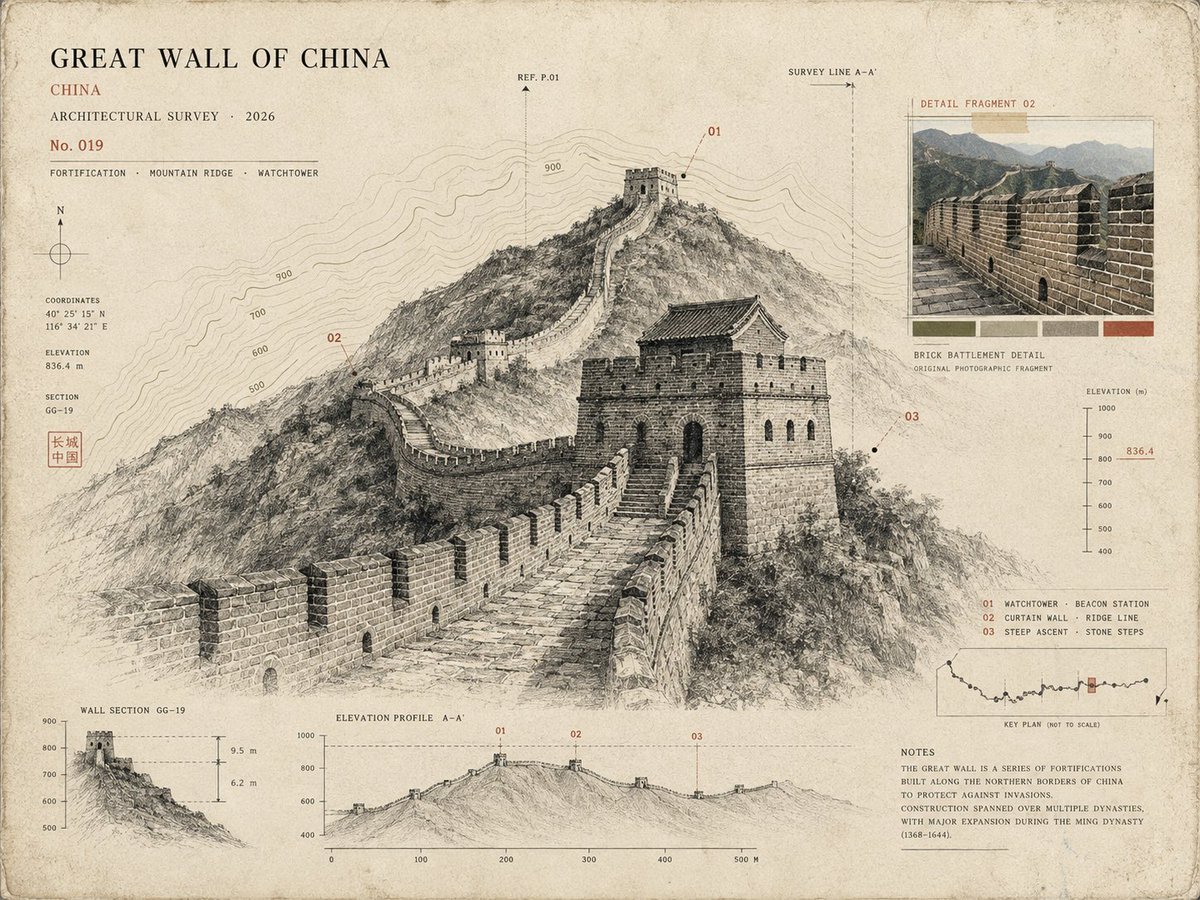
프롬프트/GPT Image 프롬프트/프롬프트 세부 정보이미지 프롬프트건축 박물관 표본 카드3개 중 1번째 이미지장소 사진을 잉크 드로잉과 지형도가 포함된 큐레이션된 박물관 표본 카드로 변환하는 정교한 건축 연구 프롬프트입니다.이 프롬프트는 참조 이미지와 함께 사용되었습니다이 프롬프트 사용좋아요497조회15,002북마크490다음에 쉽게 찾을 수 있도록 이 프롬프트를 저장하거나 공유하세요프롬프트 공유프롬프트복사Use the uploaded photo as the primary reference. Create a sophisticated 4:3 landscape {argument name="style" default="architectural specimen card inspired by museum archives, architectural surveys, and vintage scientific documentation"}. Keep the {argument name="location" default="original location"} recognizable, but transform the presentation into a curated architectural study rather than a normal travel poster. * Place the main landmark as a large monochrome architectural cutout or finely detailed ink drawing. * Add a smaller original-color photographic fragment showing one distinctive detail of the location. * Include a simplified topographic contour map behind the architecture. * Add tiny numbered reference points, measurement marks, arrows, elevation lines, and architectural annotation symbols. * Use an aged cream paper background with subtle grain and imperfections. * Palette: {argument name="palette" default="black, warm beige, muted olive, and one restrained accent color extracted from the landmark"}. * Typography should be small, elegant, and archival: location name, country, year, No. 019, and 3 descriptive keywords. * Create subtle imperfections resembling screen printing, drafting ink, pencil marks, and old paper. * Keep generous negative space and a sophisticated museum-catalog aesthetic. Important: Avoid postcard layouts, circular stamps, tourist graphics, excessive text, cartoon styling, glossy effects, 3D rendering, and overly detailed illustrations. Overall mood: architectural archive × museum specimen × old survey document × contemporary editorial design.프롬프트 보기