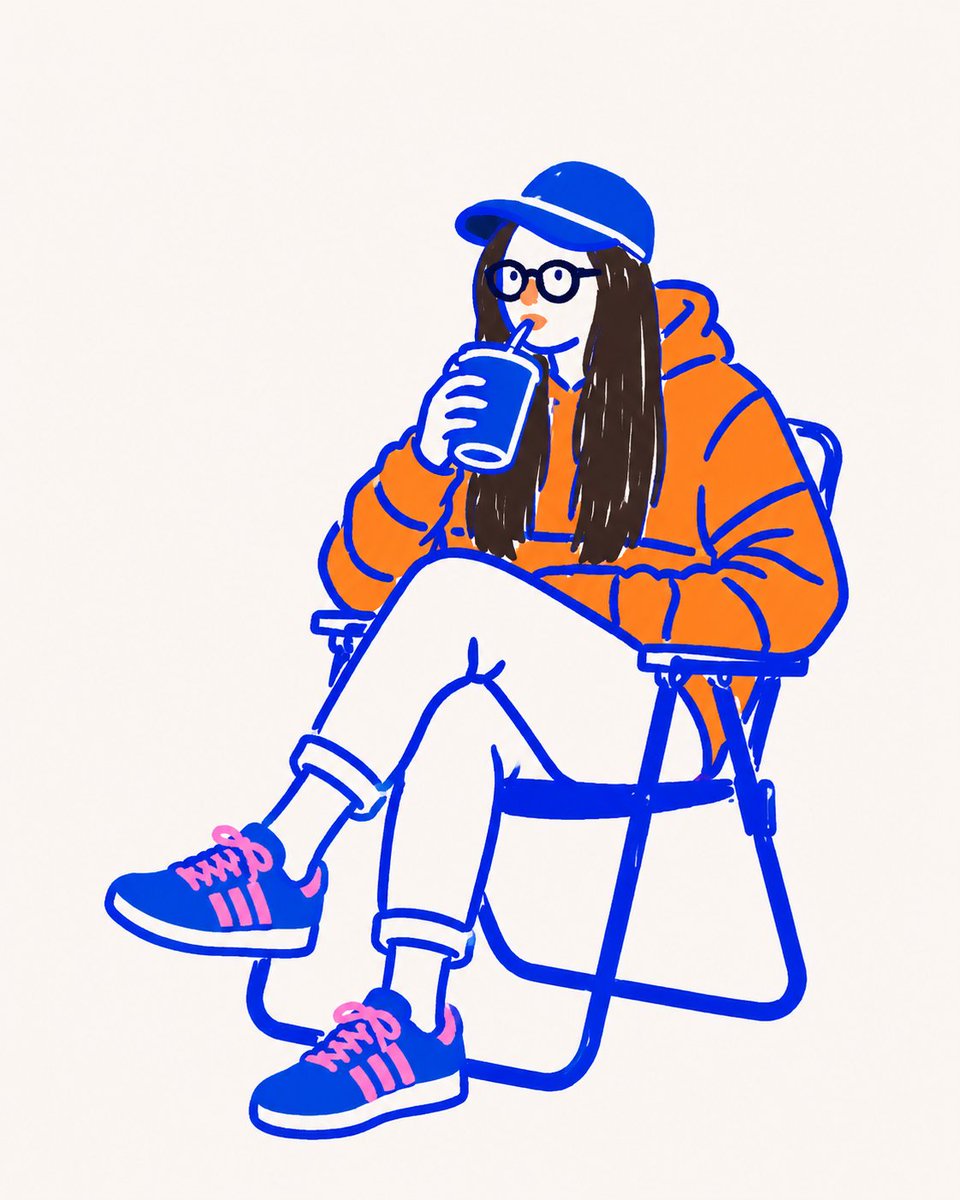
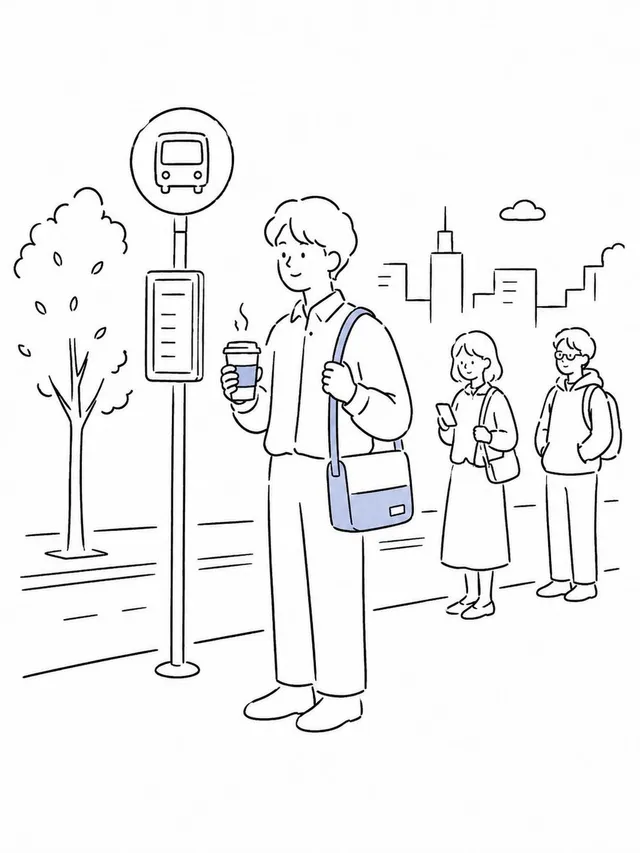
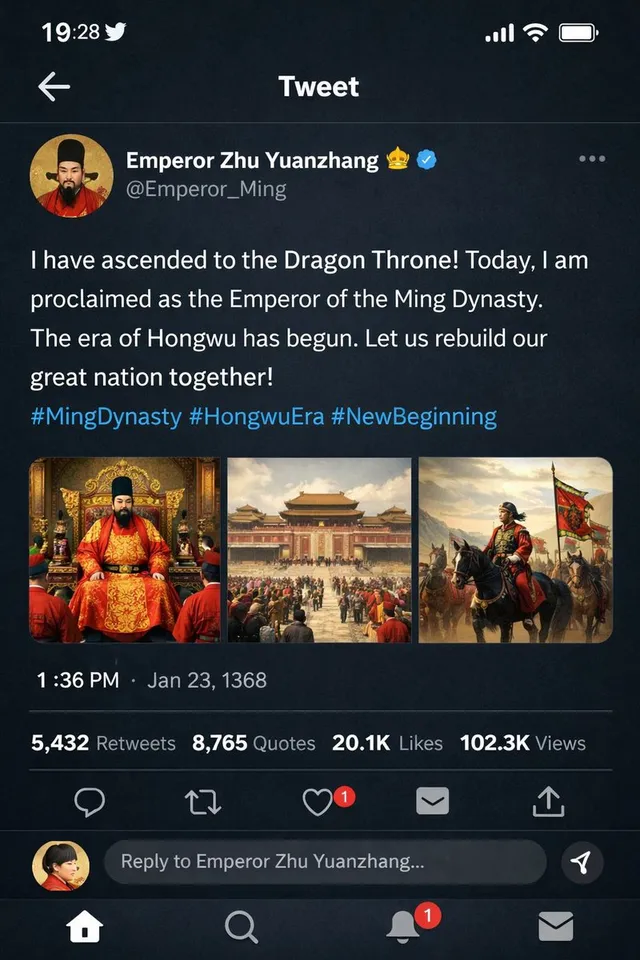
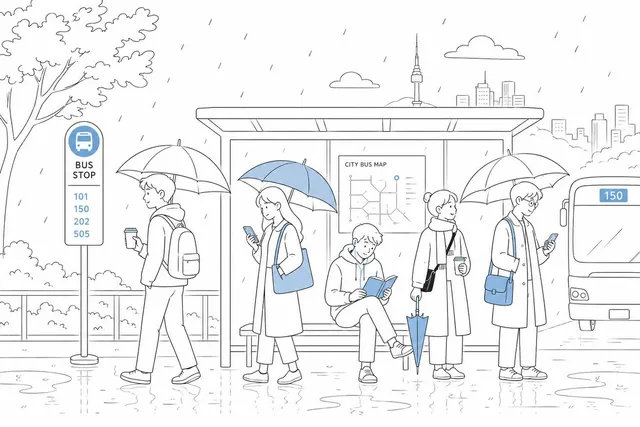
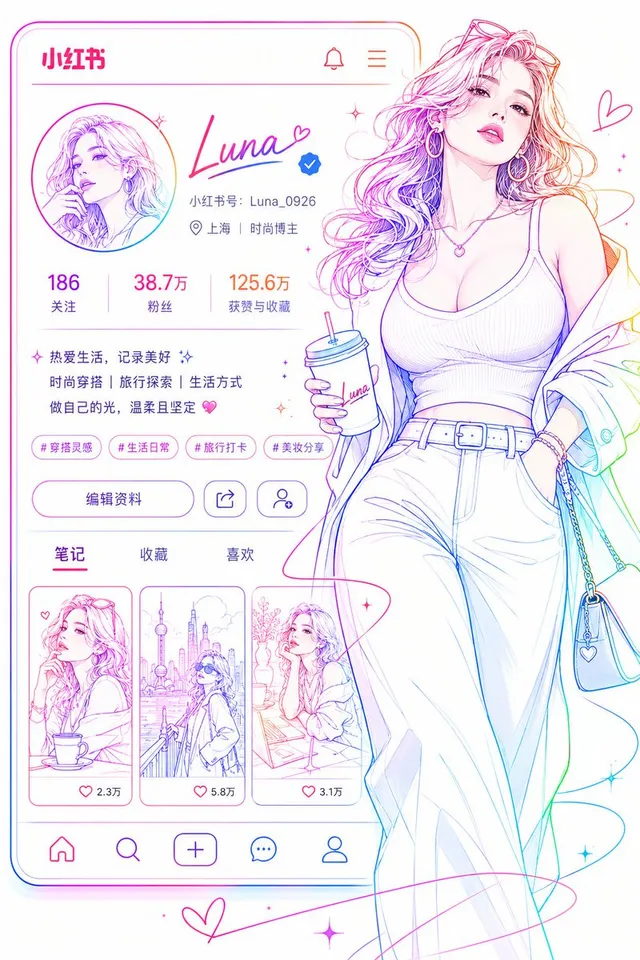
프롬프트/GPT Image 프롬프트/프롬프트 세부 정보이미지 프롬프트미니멀리스트 벡터 낙서 일러스트참조 이미지를 현대적인 편집 디자인에 적합한, 굵은 윤곽선과 평면 단색의 미니멀리스트 벡터 낙서로 변환합니다.이 프롬프트는 참조 이미지와 함께 사용되었습니다이 프롬프트 사용좋아요78조회1,481북마크14다음에 쉽게 찾을 수 있도록 이 프롬프트를 저장하거나 공유하세요프롬프트 공유프롬프트복사Treat the uploaded image as composition and color reference only. Recreate it as an original minimalist vector doodle illustration. Use thick monoline {argument name="outline color" default="cobalt-blue"} outlines with intentionally uneven hand-drawn strokes. Fill every object with completely flat solid colors sampled from the reference. No gradients, no realistic shading, no marker texture, no pencil texture, no cross-hatching, no painterly effects, no photorealism. Simplify facial features into {argument name="facial style" default="cartoon shapes"} with round eyes, tiny nose, simple mouth, and minimal details while keeping the pose instantly recognizable. Use a {argument name="background" default="clean off-white paper background"} with lots of negative space. The overall style should match a modern editorial doodle illustration, similar to hand-drawn vector artwork created with Procreate or Adobe Fresco, playful, bold, flat, minimal, and graphic Do not create a marker sketch. Do not create a realistic illustration. Create a flat vector doodle with bold blue outlines exactly in the same visual language as the reference.프롬프트 보기