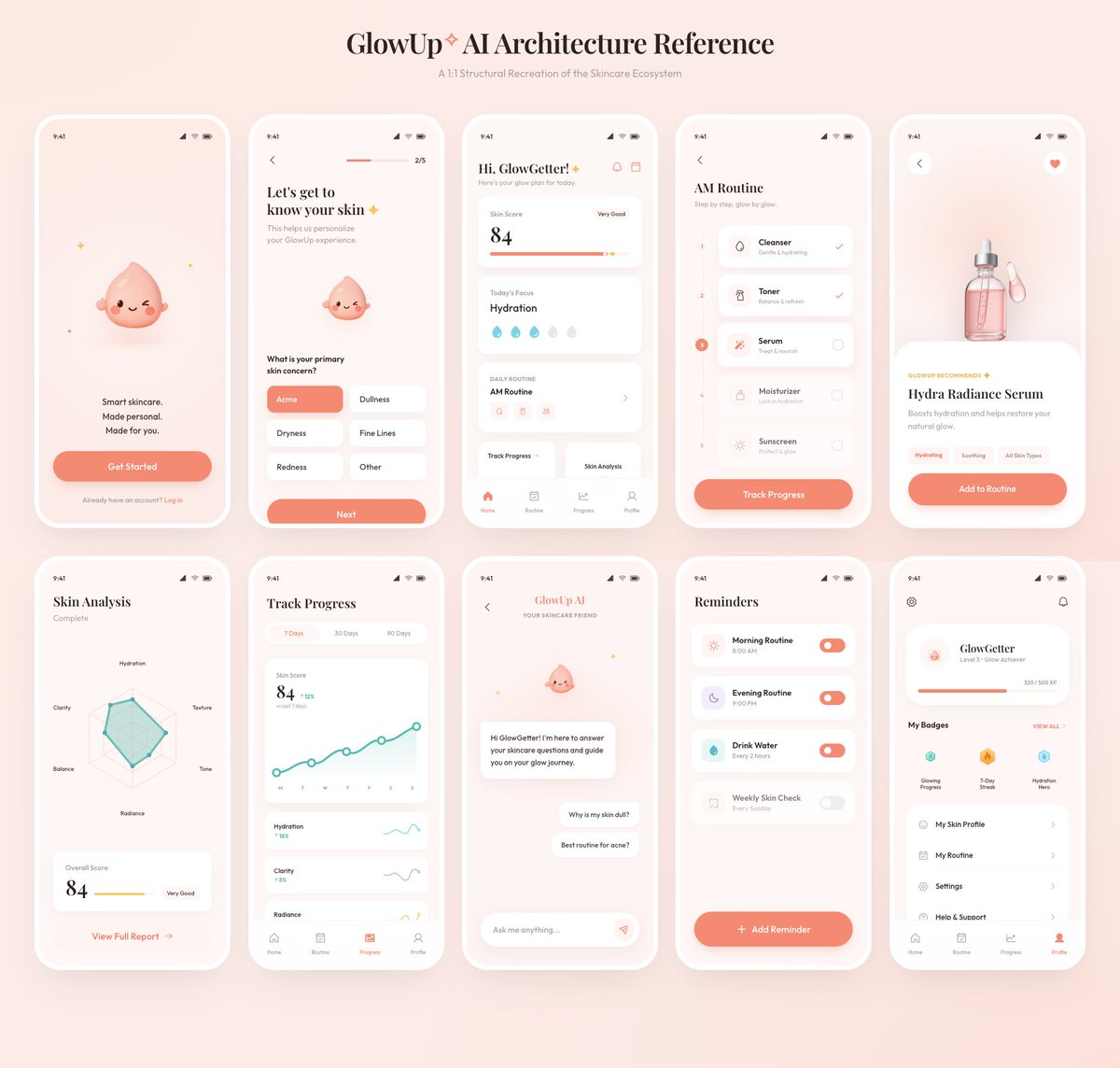
프롬프트/GPT Image 프롬프트/프롬프트 세부 정보이미지 프롬프트글로우업 앱 UI 보드러프한 참조 보드에서 10개 화면의 광택 있는 스킨케어 모바일 앱 아키텍처 프레젠테이션을 생성합니다.이 프롬프트는 참조 이미지와 함께 사용되었습니다이 프롬프트 사용좋아요24조회778북마크11다음에 쉽게 찾을 수 있도록 이 프롬프트를 저장하거나 공유하세요프롬프트 공유프롬프트복사Using the provided reference image as the source, recreate the GlowUp skincare mobile app architecture board as a clean, high-resolution UI presentation. Focus on the app screens from the right side of the reference, remove the surrounding canvas clutter and loose asset thumbnails, and redraw the interfaces crisply in the same soft peach/pink brand style with rounded white phone frames, subtle shadows, minimal icons, and the cute droplet mascot where it appears. Arrange exactly 10 mobile screens in a neat 2-row grid of 5 screens each, under the centered heading “{argument name="board title" default="GlowUp✧ AI Architecture Reference"}” and subtitle “{argument name="board subtitle" default="AI Structural Recreation of the Skincare Ecosystem"}”. Include these 10 screens: 1) welcome / get started screen, 2) onboarding skin concern selection screen, 3) GlowGetter dashboard with skin score and routine cards, 4) AM routine checklist, 5) Hydra Radiance Serum product detail, 6) skin analysis radar chart, 7) track progress line chart, 8) GlowUp AI chat screen, 9) reminders list, and 10) profile / badges screen. Keep the same visual identity from the reference: pastel peach background, coral CTA buttons, white cards, delicate typography, skincare-focused labels, tiny status bars, and airy spacing. Make the output look like a polished product-design showcase rather than a screenshot of the original board.프롬프트 보기